- Click Start. Then, in the Search bar, type “%appdata%”.
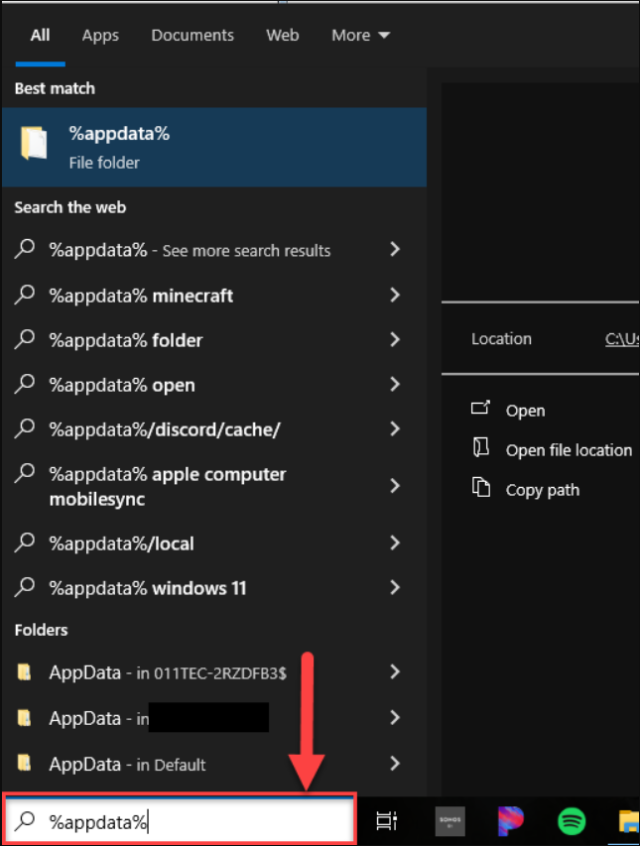
- Press Enter. This opens the Roaming folder.
- Open the Control4 folder.
- Open the Log folder. Composer Pro’s logs are stored here.
- Following directory path: C:\Users[username]\AppData\Roaming\Control4\logs
Pulling Composer Logs with Windows
August 17, 2026
by

Tabita Castro
in Tech Studio