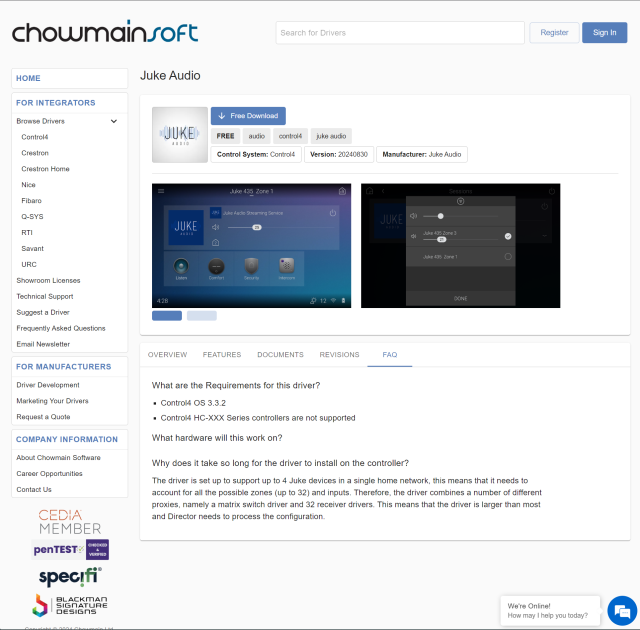
Control the Juke Audio zones and group inputs from Control4. From the Navigator, the end user can:
- Add or remove zones for group inputs
- Adjust the volume in a zone
- Mute/Unmute a zone
- Power off the audio in a single zone
What are the Requirements for this driver?
- Control4 OS 3.3.2
- Control4 HC-XXX Series controllers are not supported
Why does it take so long for the driver to install on the controller?
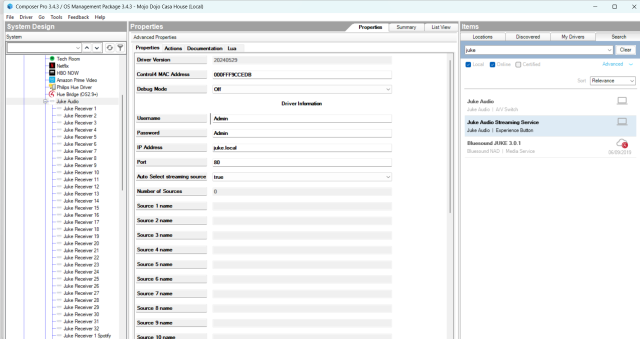
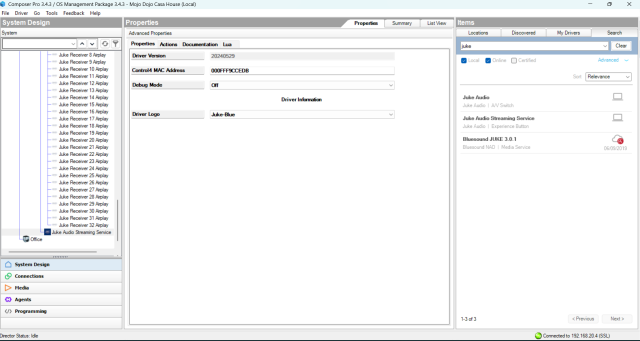
- The driver is set up to support up to 4 Juke devices in a single home network. This means that it needs to account for all the possible zones (up to 32) and inputs. Therefore, the driver combines a number of different proxies, namely a matrix switch driver and 32 receiver drivers. This means that the driver is larger than most, and the Director needs to process the configuration.
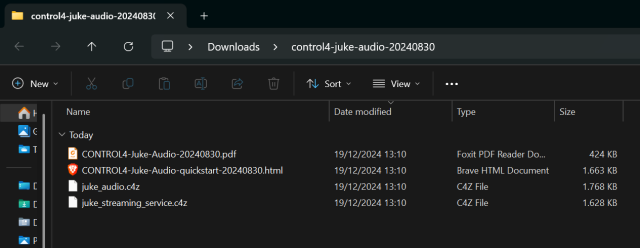
To have the Control4 driver, go to chowmain website and download it for free.
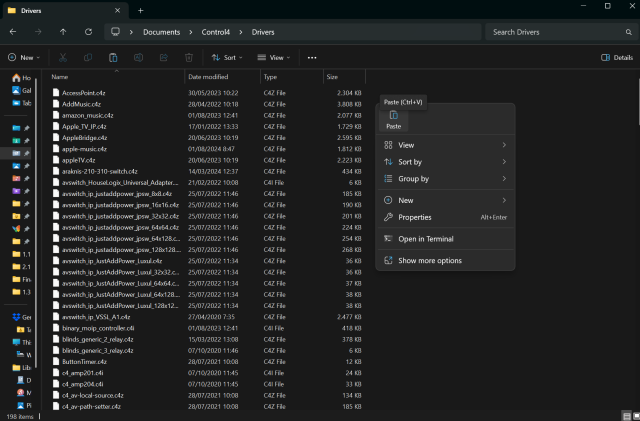
Extract the .zip and copy the drivers to the drivers folder in the Windows Documents folder.