Setting up the amplifier
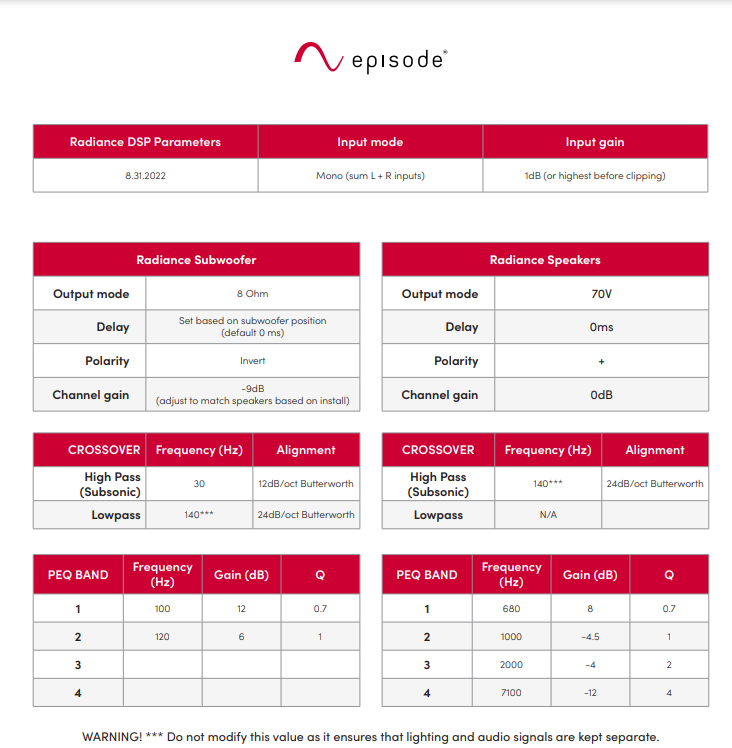
- Load the Episode Radiance DSP Presets and Parameters on the Episode Amplifier EA-AMP-HYB-2D-2000
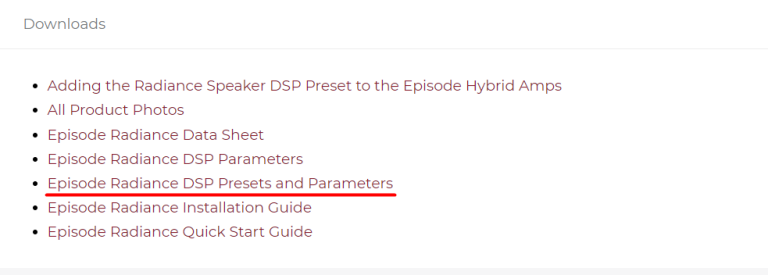
- Check this pdf: Episode Radiance DSP Parameters before powering on the amplifier.
- Go to the amplifier’s web interface. Home > PRESET and load the .json file with the preset.
- To change the Channels settings go to Output Mode.
Wiring the system
- Cabling the output CH1 of the Episode Amplifier EA-AMP-HYB-2D-2000, 8 OHM, to the Subwoofers
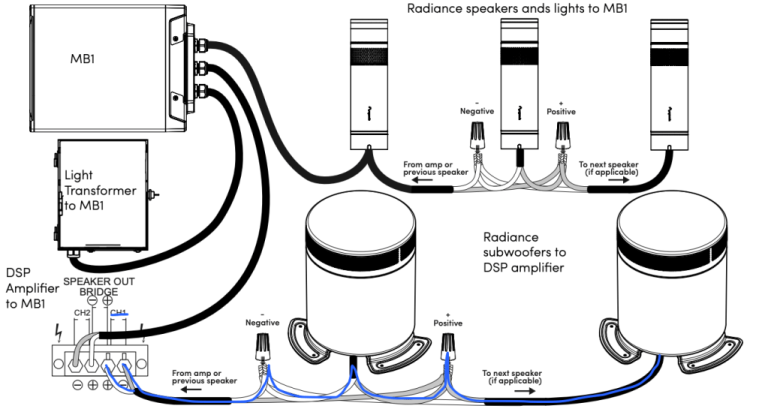
- Cabling the output CH2 of the Episode Amplifier EA-AMP-HYB-2D-2000, 70 V, to Input 70 V (orange label) on the ES-RAD-MB1-300
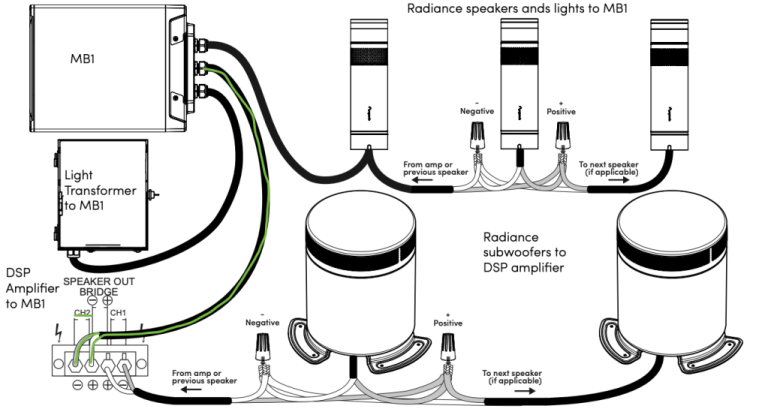
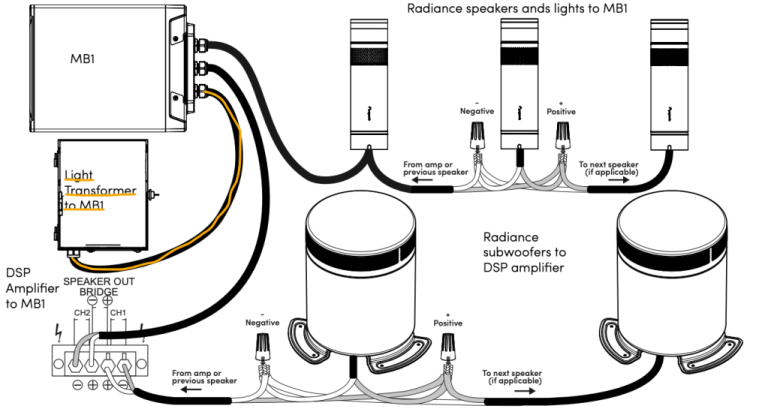
- Cabling an external power supply, 12 VDC 300 W, to the Input Light Power (yellow label) on the ES-RAD-MB1-300
- Cabling the Bollard base (wall mount, pendant mount, surface mount or in-ground steak mount) to the Output (red label) on the ES-RAD-MB1-300
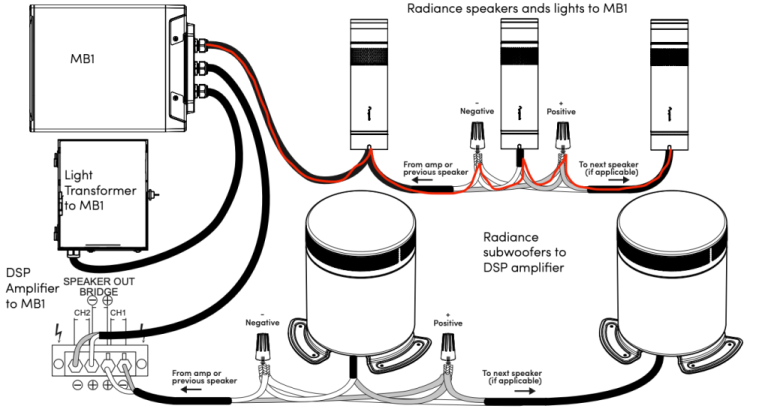
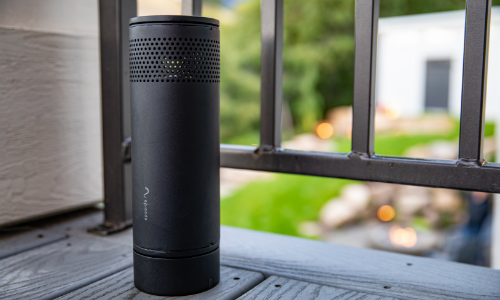
- Connect the Radiance Outdoor Bollard Speaker to its base (wall mount, pendant mount, surface mount or in-ground steak mount)
Pendant Mount
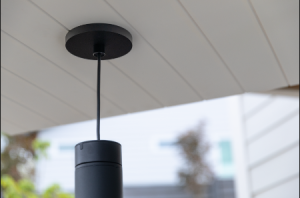
Surface Mount
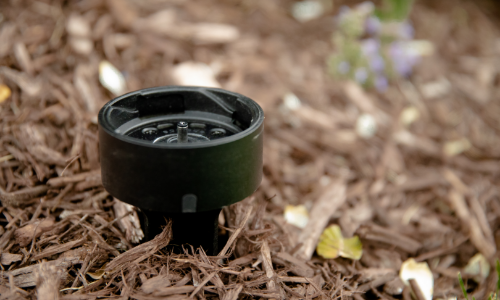
In-ground mount
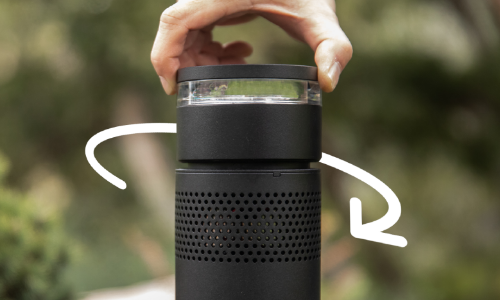
- Connect the Radiance Outdoor Bollard Light to his Radiance Outdoor Bollard Speaker
Check out the following video with the wiring process: